One player
Six faction campaigns
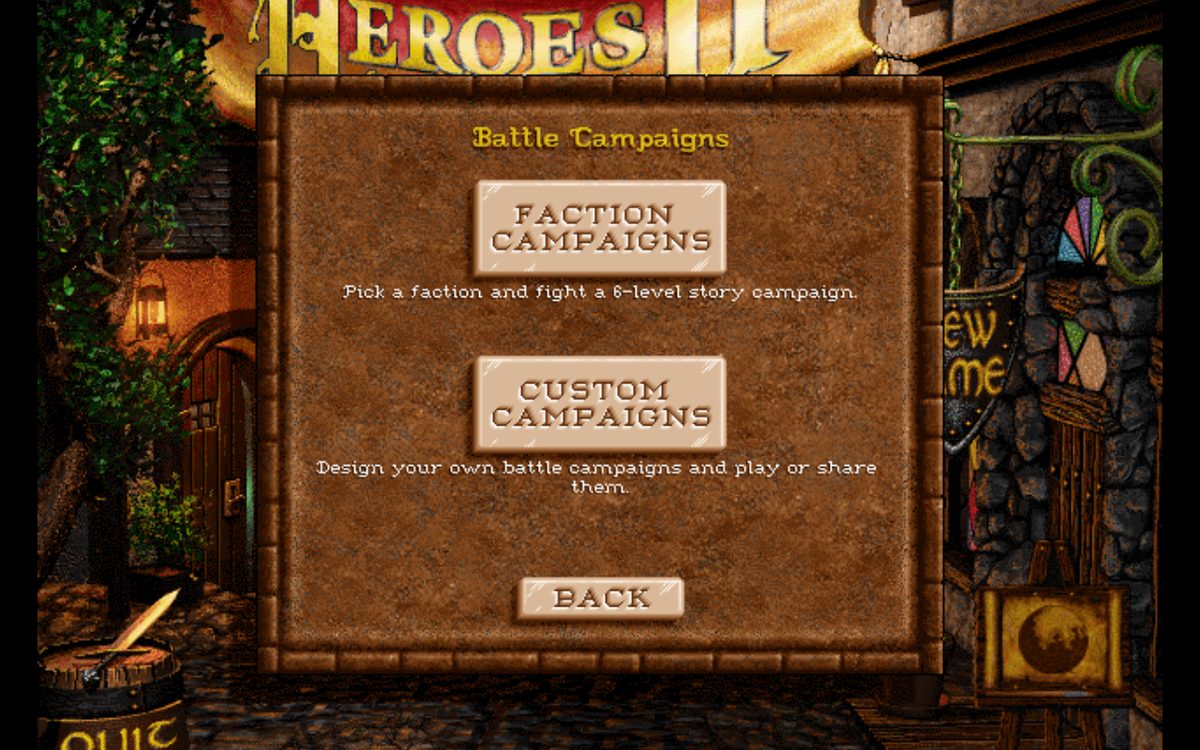
One per faction, six levels each. You get a fixed army, and before every fight you spend hero points on your commander.
Two players · Two browser tabs
Play Heroes of Might and Magic II against another person, each of you in a browser tab: a single battle, or a whole scenario on the adventure map. You can also play on your own.
▶ Introduction video · Work in progress — what to expect · Built on fheroes2
Introduction
Three ways in
Nothing to install and no account.
Your game goes on the list of open games under a name you choose, or stays private behind a six-character code you send to one person. Then you play whoever joins: a single battle or a whole scenario.
Needs the game data: one press, about 20 MB, kept in this browser.
Host a game →
Pick a game off the list, or enter the code you were sent. You see the host's game as a live picture with sound and play your side over it.
Needs only a browser. No game data, no copy of Heroes II.
Join a game →
The game's own modes (standard game, Battle Only, two players at one keyboard) plus the six Battle Campaigns this mod adds. Saves and progress are kept in this browser.
Needs the same game data as hosting. One download covers both.
Play solo →
How it works
Playing solo
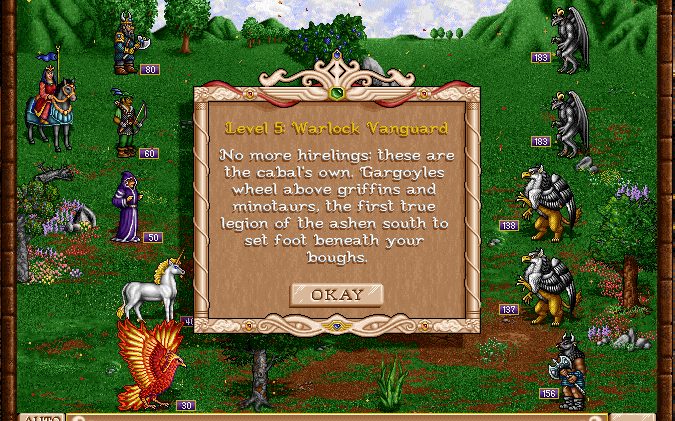
This mod adds campaigns made only of battles: no kingdom to run and no map to cross. In the game they are under New Game → Battle Campaigns.
One player
One per faction, six levels each. You get a fixed army, and before every fight you spend hero points on your commander.
One player · Your own levels
An editor inside the game: set both armies for every level, the terrain, the objective and a boss, then play it. Export saves a campaign as a text file and Import loads one, so campaigns can be passed between players.
Playing against the computer
fheroes2's own rule-based battle AI. The default for map and campaign battles.
Imitates the computer opponent of the original 1996 game, weaknesses included.
A search guided by neural networks trained on simulated battles, taking about a tenth of a second per move. With the same random army on both sides, it beat the Stock AI in 96% of 500 test battles.
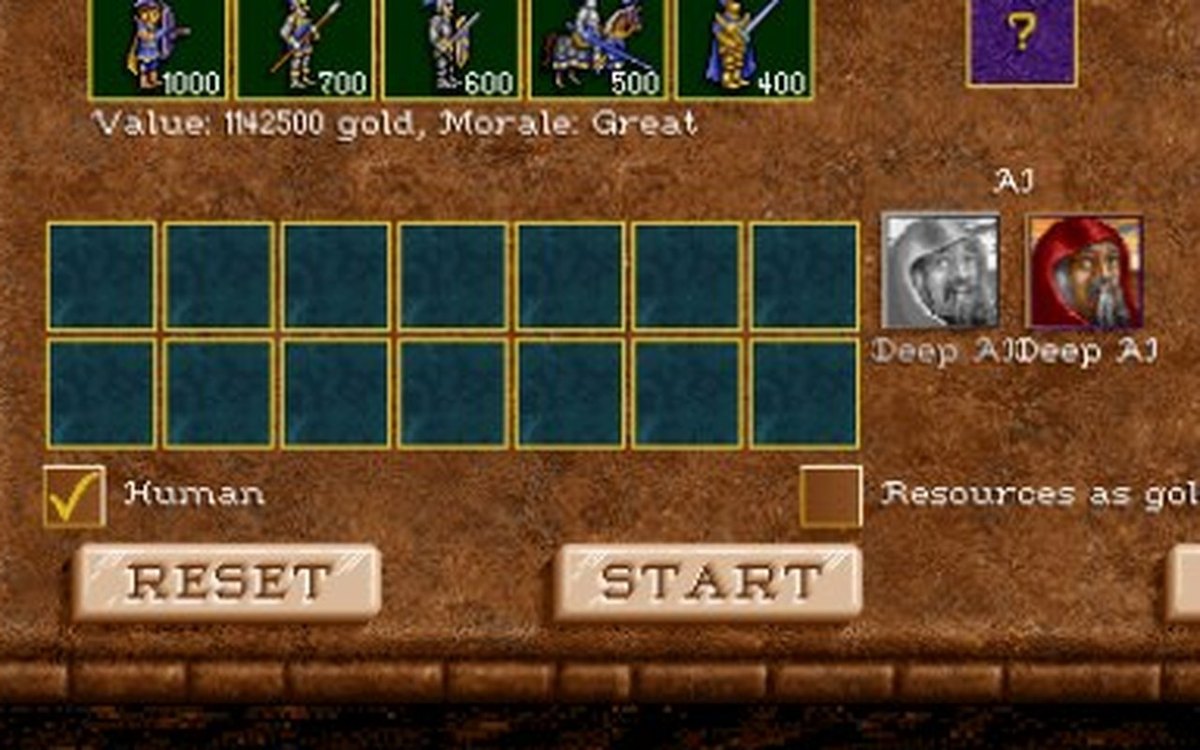
Battle Only (New Game → Battle Only) starts with the Deep AI. The AI portrait beside each army switches that side's AI.
Map and campaign battles use the AI set in the settings: press T in the main menu, or click the lit doorway, then click the Battle AI portrait. The browser remembers the choice.
Battles that are auto-resolved, and battles between two computer players on the map, always use the Stock AI.
Maps
Besides the demo's own map, the site carries a small set of others: maps that ship with fheroes2 and fan maps from the Heroes II community archives. They are in Select Scenario for everyone, with no separate download. Maps with room for two players can be hosted online.
If you made a map, you can send it on Telegram to be added. It has to run on the demo data, so it cannot use The Price of Loyalty objects. How to send one →